
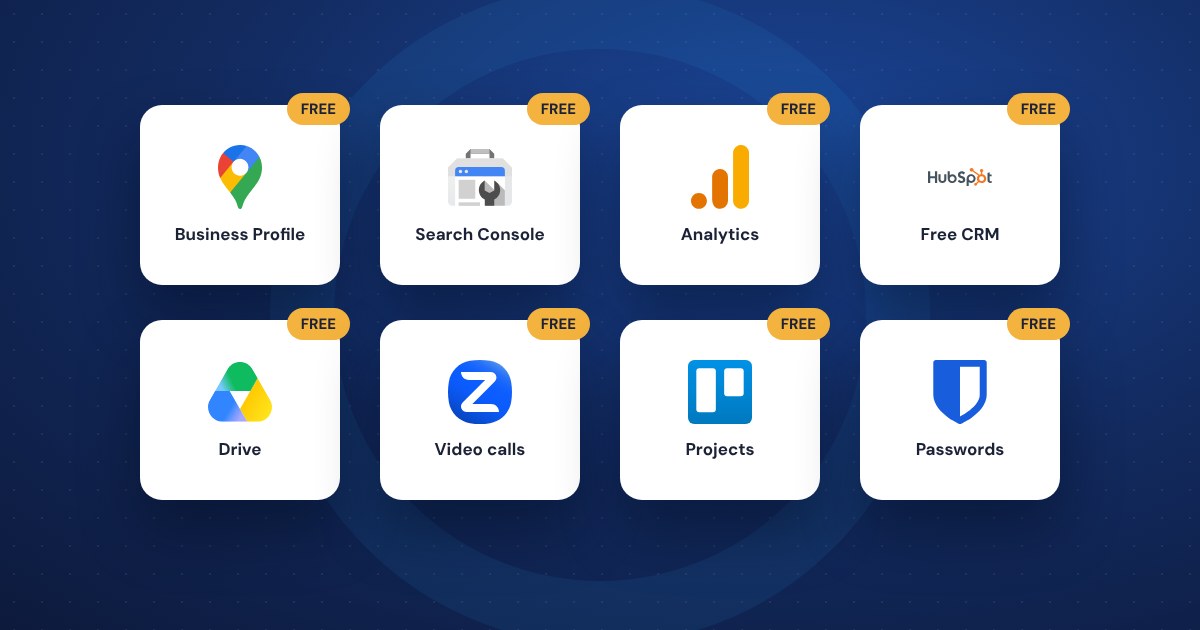
You can run a lot of a small business on free software: Google's tools for getting found, a free accounting app for invoices, a free CRM, and free plans for design, video calls and passwords. The catch is that free plans have limits, and companies change them. Pick tools you can grow into, and know where the walls are before you hit them.
What makes a free tool worth using
Plenty of free apps aren't worth the setup time. Before you commit, check that:
- The free plan is actually useful on its own, not just a trial with a countdown.
- You can export your data if you leave.
- It works on your phone as well as your computer.
- The company is well established and likely to be around in five years.
- It supports two-factor login, so one stolen password doesn't open up your business.
All of the tools below had a free plan when we checked in late 2026. Plans change, so look at the current terms before you rely on any of them.
Getting found online
These are free from Google, and every local business should have them set up:
- Google Business Profile. Creating and managing your listing is free. You can keep your hours and contact details current, add photos, reply to reviews and post offers or updates.
- Google Search Console. A free service that shows whether Google can find and crawl your site, which searches you appear for, and alerts you to problems.
- Google Analytics. The standard version is free and shows how many people visit your site, where they come from and what they do there.
If you only do one thing from this guide, claim and fill out your Google Business Profile.
Money and invoicing
Wave's Starter plan is free. It includes unlimited invoices, estimates, bills and bookkeeping records, and you can send invoices from the mobile app. Card payments carry a processing fee, and automatic bank imports are part of the paid plan, so on the free plan you'll enter or upload transactions yourself. For a one-person business or side business, that's often fine.
Whatever you use, make sure your accountant can work with it before tax season, not during.
Customers and email marketing
- HubSpot's free CRM. A CRM is where you keep track of customers, leads and follow-ups, so they don't live in your head or your inbox. HubSpot's free plan covers up to two users and 1,000 contacts and includes contact and deal tracking, email templates, meeting scheduling and basic reporting.
- Mailchimp. Still has a free plan, but it's small now: up to 250 contacts and 500 emails a month. Good for trying email marketing, not for a real customer list. If your list is bigger, compare paid plans from a few email providers before you build around one.
Day-to-day work
- Canva. The free plan includes a large library of templates, a simple editor and phone apps. It's enough for social posts, flyers and simple graphics. Background removal, premium photos and more than one brand kit are paid features.
- Trello. A simple board for tracking jobs, projects or a content calendar. The free plan allows up to 10 collaborators per workspace.
- Google Meet and Zoom. Both have free plans for video calls. Each limits the length of group calls on the free plan, so they work for quick meetings but can cut off a long one.
- Free Google account storage. Every Google account includes 15 GB of storage shared across Gmail, Google Drive and Google Photos. That's enough to start sharing documents and files with a small team.
- Bitwarden. A password manager with a free plan for individuals that covers unlimited passwords across your devices. Free sharing is limited to one other person. If you still keep passwords in a notebook or a spreadsheet, start here.
- AI assistants. ChatGPT and Claude both have free plans that can help draft emails, summarize documents and brainstorm. Don't paste in customer details or anything confidential, and read every word before it goes out.
The catch with free
Free plans are a way to get you in the door. That's fine, as long as you go in with your eyes open:
- Limits change. Free plans get smaller over time, and you usually find out when you hit the wall.
- Support is thin. If something breaks on a busy day, you may be waiting on a help article.
- Your data still matters. Sign up with a business email address you control, not a personal one, and not an employee's.
- Too many tools is its own problem. Five free apps that don't talk to each other can cost more in time than one paid tool that does the job.
When paying makes sense
Upgrade when the free plan is costing you time or money: entering bank transactions by hand every week, hitting a contact limit, or needing more people on the account. A few dollars a month is cheap compared to an hour of your time.
If you've got a pile of apps and aren't sure what to keep, a short review of how you actually work usually shows where the gaps and overlaps are. That's the kind of thing we help with through business technology consulting.
The short version
- Set up Google Business Profile, Search Console and Analytics first. They're free.
- Wave, HubSpot, Canva, Trello and Bitwarden all have useful free plans.
- Mailchimp's free plan is now small. Fine for testing, not for a full list.
- Sign up with a business email you control and turn on two-factor login.
- Pay when the free plan starts costing you more time than it saves.