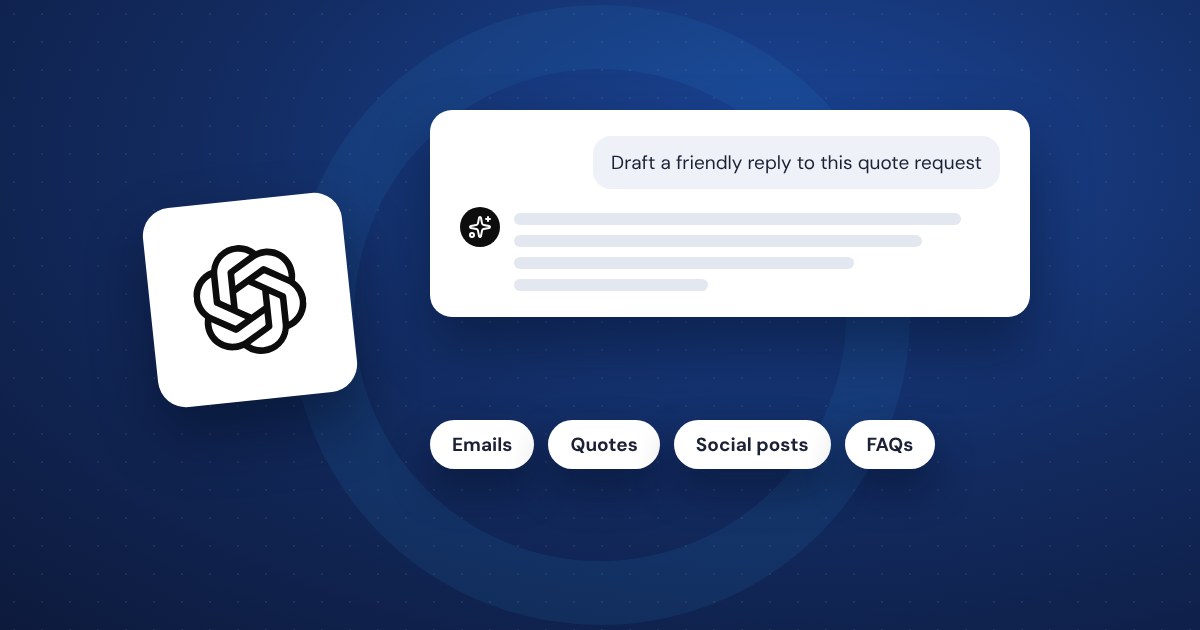
ChatGPT for small business works best as a fast first-draft writer: emails, quotes, summaries, social posts and FAQ answers. It saves real time on writing and admin, but it makes mistakes with confidence, so you check every fact and number before anything goes to a customer. Start with the free plan, give it one or two jobs this week, and keep customer personal data and passwords out of it.
Five everyday jobs it does well
Most owners get the most value from the boring writing they already do every day. These five are a good place to start.
- Emails. Paste in a customer's message (with names and contact details removed) and ask for a polite reply that says yes, no or "here's what we can do." Tell it your tone: short, friendly, no fluff.
- Quotes and proposals. Give it your line items, scope and terms in rough notes and ask it to turn them into a clean, readable quote. You supply the prices. It supplies the wording.
- Summaries. Paste a long contract section, a vendor's terms or meeting notes and ask for the five points that matter to you. Then read the parts it flags.
- Social posts. Describe a job you finished or a product you're featuring and ask for three short versions. Pick one and edit it so it sounds like you.
- FAQ answers. List the questions customers ask every week and ask for clear, short answers. These are useful on your website, in email templates and for new staff.
The trick is to give it context. "Write an email to a customer" gets you something generic. "Write a short email to a homeowner explaining that the countertop delivery moved from Tuesday to Thursday, apologize once, and offer a 9 a.m. or 1 p.m. install window" gets you something you can send after a quick read.
Where it gets things wrong and how to check it
ChatGPT predicts words that sound right. Most of the time that works. Sometimes it invents a fact, a number, a law or a source and states it like it's certain. It also does math in a way that looks correct and isn't always.
Check its work the same way you'd check a new employee's first week:
- Facts and figures. Anything with a price, date, measurement, tax rule or legal requirement gets checked against the real source. Don't trust a number just because it came out neatly formatted.
- Your business details. It doesn't know your prices, hours, policies or warranty terms unless you tell it. If it fills a gap, it will guess.
- Links and sources. If it cites a website, a study or a regulation, open it and confirm it exists and says what ChatGPT claims.
- Tone. It tends to sound overly cheerful and wordy. Cut the first and last sentence of most drafts and they usually read better.
- Anything legal, medical or financial. Use it to understand a topic or prepare questions, then talk to the professional you'd normally ask.
A good habit: before you send anything, ask yourself if you'd be comfortable explaining every sentence to the customer. If not, fix it or cut it.
What not to paste into it
Treat ChatGPT like a smart contractor who doesn't work for you. Useful, but you wouldn't hand them your filing cabinet. Keep these out:
- Customer personal data. Names with addresses, phone numbers, birth dates, account numbers, payment card details and anything about a customer's health or finances. Remove or replace them ("Customer A," "the homeowner") before you paste.
- Passwords, logins and security codes. Never. Not even to "help format" a list.
- Employee records. Pay, reviews, disciplinary notes and personal information.
- Confidential business information. Contracts under NDA, a client's unreleased plans, your bank details, and anything you'd be upset to see outside your company.
On the personal plans, OpenAI may use your chats to improve its models unless you turn off the setting called "Improve the model for everyone" under Settings, then Data Controls. OpenAI says the Business and Enterprise plans don't train on your data. Even then, the rule above stands. Settings can change, people make mistakes, and the safest data is data you never pasted.
If more than one person in your business uses it, write these rules down on one page and share them. It takes ten minutes and saves an awkward conversation later.
Free vs paid plans
As of late 2026, OpenAI's pricing page lists Free, Go, Plus and Pro plans for individuals, plus Business and Enterprise plans for companies. The free plan has limited messages and file uploads. Go is $8 a month in the US, gives you more room than Free, and may show ads. Plus is $20 a month and adds much more usage and the stronger thinking models. Business is $20 per user a month billed yearly, or $25 billed monthly, needs at least two users, and adds admin controls and a promise not to train on your data. Prices and features change often, so check the official page before you buy.
For most owners:
- Try Free first for a week or two on real tasks.
- Move to Plus if you hit the limits every week or need the stronger thinking models for longer, harder jobs.
- Look at Business once two or more people use it for work, mainly for the admin controls and data terms.
- Skip Pro unless you know exactly why you need it. Very few small businesses do.
ChatGPT isn't the only option. Claude, Gemini and Microsoft Copilot do similar work, and some come bundled with tools you already pay for. Our guide to AI tools worth paying for compares them by job.
A simple first week plan
Don't try to change everything at once. One small win a day is plenty.
- Day 1. Set up an account. Turn off model training in Data Controls if you're on a personal plan. Write your one-page "don't paste" rules.
- Day 2. Take the last three customer emails you answered and have ChatGPT draft replies. Compare them to what you actually sent.
- Day 3. Give it your services and ask for a short FAQ. Edit it and keep it somewhere you can reuse.
- Day 4. Turn one rough quote into a clean one. Check every number.
- Day 5. Write a week of social posts from three jobs or products. Cut anything that doesn't sound like you.
- End of the week. Note which tasks saved real time and which didn't. Keep the winners. Drop the rest.
If you find yourself pasting the same instructions every time, save them. Custom instructions or a project with your tone, services and policies means every draft starts closer to done.
Common questions
Is ChatGPT safe for business use? It's safe for most writing and admin tasks if you keep personal data, passwords and confidential information out of it, and check its work. The Business plan adds admin controls and data terms built for companies.
Will customers know I used ChatGPT? They might if you send the first draft as-is. Edit it so it sounds like you: shorter sentences, your usual sign-off, real details about the job.
Can it replace an employee? No. It can take hours of drafting off someone's plate, but it still needs a person to give it context, check it and send it.
What about automating tasks with it? That's the next step once you know what it does well. See our guide to small business automation for tasks that can run on their own.
The short version
- Use ChatGPT for first drafts of emails, quotes, summaries, social posts and FAQs.
- Check every fact, number, link and business detail before it reaches a customer.
- Never paste customer personal data, passwords, employee records or confidential information.
- Start on the free plan, upgrade to Plus when you hit limits, and consider Business once your team uses it.
- Pick one job a day for a week, keep what saves time, and drop what doesn't.