
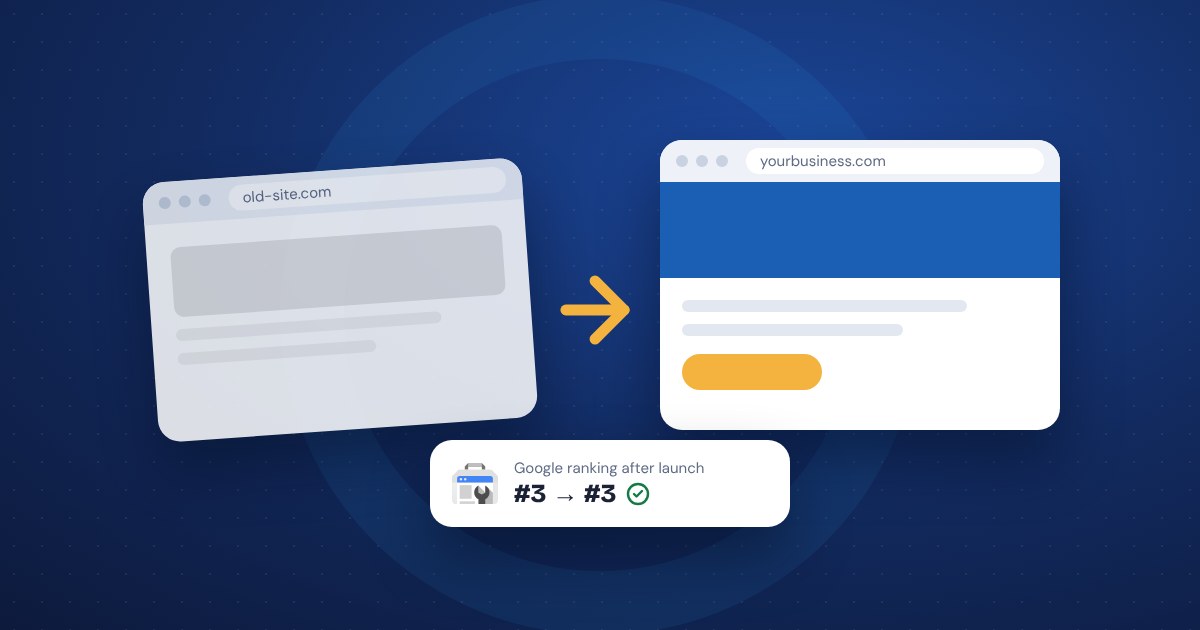
To redesign your website without losing your Google rankings, keep or redirect every old page address, carry over the titles and content that already rank, and tell Google about the new site through Search Console on launch day. Most ranking drops after a redesign come from pages that disappeared or moved without a redirect, not from the new design itself.
Why redesigns lose rankings
Google ranks individual pages, not your website as a whole. Each page has an address, and over time Google learns what that page is about, which searches it answers and which other sites link to it. A redesign can throw all of that away without anyone noticing until the phone gets quiet.
The usual causes:
- Changed addresses. The old page was /services/roof-repair/ and the new one is /roofing/. Without a redirect, Google sees the old page as gone.
- Missing pages. Someone decided a page wasn't needed, but it was the one bringing in half your search traffic.
- Lost titles and headings. The new site has prettier page titles that no longer contain the words people search for.
- Thinner content. Long, useful pages get cut down to a few lines because they looked cluttered in the new design.
- Technical slips. The new site launches with a setting that tells Google not to index it, which is common when it was built on a private staging copy.
All of these are avoidable with some planning before launch.
Make a list of every page and what it ranks for
Before anything gets redesigned, write down what you have. This is the step most often skipped, and the one that matters most.
- List every page on the current site. Your sitemap, your website software or a free crawling tool can give you the list.
- In Google Search Console, open the Performance report and look at the last 12 months. Note which pages get the most clicks and which searches bring people to each one.
- Note which pages other sites link to. Search Console has a Links report that shows your most-linked pages.
- Mark the pages that bring in leads, calls or sales. Your analytics should show this.
You'll end up with a short list of pages that really matter. On most small business sites, a handful of pages bring in most of the search traffic. Those are the pages to protect.
If you don't have Search Console set up yet, set it up now, before the redesign. It's free, and you'll need it on launch day.
Keep or redirect every old address
The safest choice is to keep the same addresses for pages that aren't changing. If /contact/ works today, keep it as /contact/.
When an address has to change, set up a permanent redirect from the old address to the new one. This is called a 301 redirect. It sends visitors and Google to the new page and tells Google the move is permanent. Google's own site move guidance recommends:
- Redirect each old page to its closest matching new page, one to one. Don't send everything to the home page.
- Avoid chains, where the old page redirects to a page that redirects again. Point straight to the final address.
- Keep redirects in place for at least a year. Leaving them up for good is fine and often easiest.
Build the redirect list as a simple two-column spreadsheet: old address, new address. Every page from your inventory goes on it, either kept as is or matched to a new page. If a page is truly gone with nothing similar to replace it, it's fine to let it return a "not found" error, but make that a deliberate choice.
Also update links inside the new site so they point straight to the new addresses, not through redirects.
Carry over titles, headings and content that already work
A page that ranks well is ranking for a reason. Before rewriting it, look at what it says now.
- Page titles. Keep the main words from titles that rank. You can make them cleaner, but don't drop the search terms.
- Meta descriptions. These don't affect rankings much, but they affect whether people click. Keep the good ones.
- Main headings. If a page ranks for "furnace repair in Mequon", the new heading should still say that, or something close.
- Body content. Edit and improve the words, but don't cut a detailed page down to two paragraphs. Detail is often what earned the ranking.
- Image descriptions. Carry over the alt text on photos.
If you're changing your business name, your services or your domain at the same time, expect more movement. Each extra change makes it harder to tell what caused a drop.
Launch day: tell Google about the new site
On launch day, focus on the things that affect search. Our website redesign checklist covers the rest, like forms, phone links and analytics.
- Check that the new site can be indexed. Look for leftover "noindex" settings or a robots.txt file blocking Google from the staging build.
- Test your redirects. Try 10 to 20 of the most important old addresses and make sure each one lands on the right new page.
- Submit your new XML sitemap in Search Console. Google says a sitemap is the best way to tell it about many pages at once after a site move.
- Use the URL Inspection tool in Search Console on your most important pages to request indexing. There's a daily limit, so save it for the pages that matter.
- Changing domains? Use the Change of Address tool in Search Console. It's only for domain changes, not for a redesign on the same domain.
What to watch in the first 30 days
Expect some movement. Google says rankings can go up and down for a while as it recrawls the site, and for a medium-sized site it can take a few weeks or more for the new addresses to replace the old ones. A dip in the first week or two isn't a reason to panic.
What to check, about once a week:
- Search Console's Pages report. Look for a rise in "not found" errors, which usually means a missing redirect.
- The Performance report. Compare clicks and impressions to the same weeks before launch. The new addresses should start picking up impressions.
- Your top pages from the inventory. Search for the terms they ranked for and see where you land.
- Leads, calls and form submissions. In the end, that's what you're protecting.
If traffic is still well below normal after a month or two, go back to your inventory and redirect list. The cause is usually there.
Common questions
Will a new design by itself hurt my rankings? Usually not. Google cares about addresses, content and whether the site works well. Colors and layout don't matter much on their own.
Can I redirect old pages to my home page? You can, but Google treats it close to a missing page. Match each old page to the most similar new one.
Should I redesign and change domains at once? Avoid it if you can. Doing one change at a time makes problems easier to spot and fix.
The short version
- Before you start, list every page and note which ones get search traffic and links.
- Keep addresses where you can. Redirect the rest one to one with 301s, and keep them for at least a year.
- Carry over titles, headings and content from pages that rank.
- On launch day, check indexing, test redirects and submit the new sitemap in Search Console.
- Expect a few weeks of movement, and check for "not found" errors weekly. If you'd rather have help, see our website redesign page.